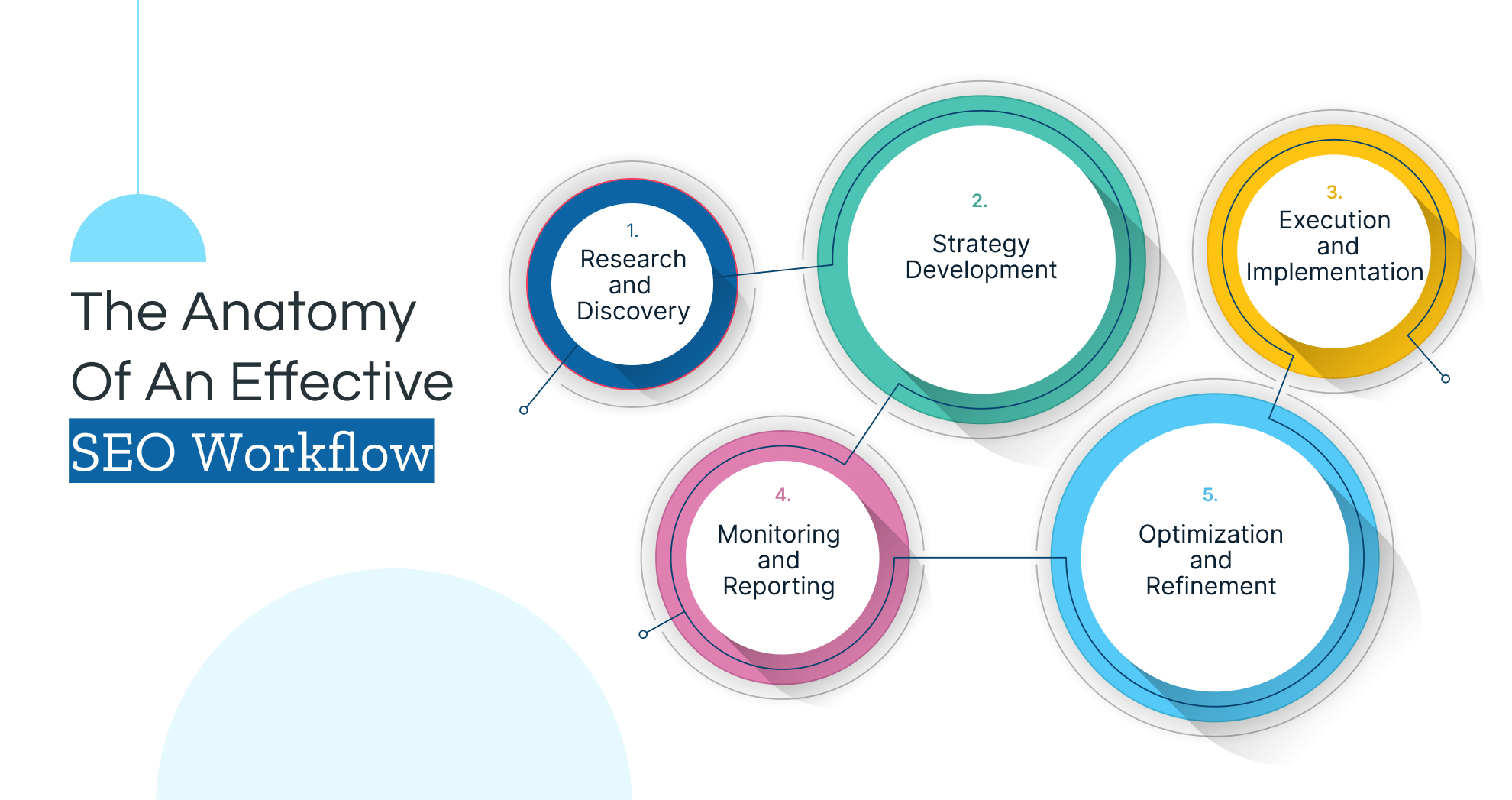
In today’s digital-first world, having a strong online presence is crucial for businesses — especially for local businesses targeting customers in their area. As a web designer, your workflow plays a pivotal role in creating websites that not only look great but also perform well in local search results. By integrating local SEO best practices into your web design process, you can help your clients attract more local traffic, generate leads, and grow their businesses.
1. Start with Local SEO Research
Before diving into design, it’s essential to understand your client’s local market. Conduct thorough research to identify:
- Target Keywords: Use tools like Google Keyword Planner, Ahrefs, or SEMrush to find location-specific keywords (e.g., “web design services in [City]” or “best bakery in [Town]”).
- Competitors: Analyze local competitors’ websites to see what they’re doing well and where there are opportunities to stand out.
- Local Trends: Understand the unique needs and preferences of the local audience.
Incorporate these insights into your design strategy to ensure the website is tailored to the local market.
2. Design with Local SEO in Mind
Your design choices can significantly impact a website’s local SEO performance. Here’s how to design for local SEO:
- Mobile-First Design: Over 60% of local searches happen on mobile devices. Ensure the website is fully responsive and provides an excellent user experience on all screen sizes.
- Fast Loading Speed: Optimize images, use efficient coding practices, and leverage caching to ensure the site loads quickly. Page speed is a ranking factor for both general and local SEO.
- Clear Call-to-Actions (CTAs): Include prominent CTAs like “Call Now,” “Get Directions,” or “Book an Appointment” to encourage local users to take action.
- Localized Content: Integrate location-specific content naturally into the design, such as city or neighborhood names in headings, banners, and testimonials.
3. Optimize the Website’s Structure for Local Search
A well-structured website makes it easier for search engines to crawl and index local content. Focus on:
- Localized Landing Pages: Create dedicated pages for each service area or location your client serves. For example, a plumber in multiple cities should have separate pages like “Plumbing Services in [City 1]” and “Plumbing Services in [City 2].”
- Schema Markup: Add local business schema markup to the website’s code. This helps search engines understand the business’s name, address, phone number (NAP), hours of operation, and other key details.
- Easy Navigation: Ensure the website has a clear, intuitive navigation menu that makes it easy for users (and search engines) to find local content.
4. Integrate Google My Business (GMB)
Google My Business is a cornerstone of local SEO. As part of your workflow:
- Claim and Optimize the GMB Profile: Help your client claim their GMB listing and ensure it’s fully optimized with accurate NAP information, photos, business hours, and categories.
- Embed Google Maps: Add a Google Maps widget to the website’s contact page to make it easy for users to find the business’s location.
- Encourage Reviews: Design a section on the website to showcase customer reviews and include a link to the GMB profile to encourage more reviews.
5. Focus on Localized Content Creation
Content is king, even in local SEO. Work with your client to create content that resonates with their local audience:
- Blog Posts: Write blog posts about local events, news, or topics relevant to the business. For example, a dentist could write about “Top 5 Tips for Oral Health in [City].”
- Testimonials and Case Studies: Highlight local customer success stories to build trust and credibility.
- Local Keywords: Naturally incorporate local keywords into page titles, meta descriptions, headers, and body content.
6. Leverage Local Backlinks
Backlinks from local websites can boost a site’s local SEO rankings. As part of your workflow:
- Partner with Local Businesses: Design a “Partners” or “Community” page to showcase collaborations with other local businesses.
- Submit to Local Directories: Ensure the website is listed in local directories like Yelp, Yellow Pages, and Chamber of Commerce websites.
- Sponsor Local Events: If your client sponsors local events, create a dedicated page or blog post about it and link to the event’s website.
7. Test and Optimize for Local SEO
Once the website is live, your work isn’t done. Continuously test and optimize for local SEO:
- Monitor Performance: Use tools like Google Analytics and Google Search Console to track local traffic, rankings, and user behavior.
- Fix Technical Issues: Regularly check for broken links, slow-loading pages, and other technical issues that could hurt local SEO.
- Update Content: Keep the website’s content fresh and relevant to maintain its local search rankings.
8. Educate Your Clients
Finally, empower your clients to maintain their local SEO efforts. Provide them with:
- SEO Reports: Share regular reports on their website’s local SEO performance.
- Content Guidelines: Offer tips on how to create localized content and manage their GMB profile.
- Ongoing Support: Offer maintenance packages to help them stay on top of local SEO trends and updates.
Conclusion
By integrating local SEO into your web designer workflow, you can create websites that not only look stunning but also drive real results for your clients. From conducting local research to optimizing content and leveraging tools like Google My Business, every step of your workflow plays a role in boosting local search visibility.
Local SEO is an ongoing process, so stay proactive and keep refining your approach to help your clients dominate their local markets. With these strategies, you’ll not only deliver exceptional websites but also position yourself as a valuable partner in your clients’ long-term success.