“Affordable website” shouldn’t mean slow, outdated, or impossible to edit. The best value sites are the ones that load fast, rank locally, and turn visits into quote requests — without bloated plugins or a page-builder mess.
What “affordable” really means
- Clear scope: the pages you need (not 20 random pages).
- Performance-first: optimized images, clean CSS, good Core Web Vitals.
- SEO foundation: titles, descriptions, internal links, schema, sitemap.
- Conversion basics: strong CTA, simple forms, trust signals.
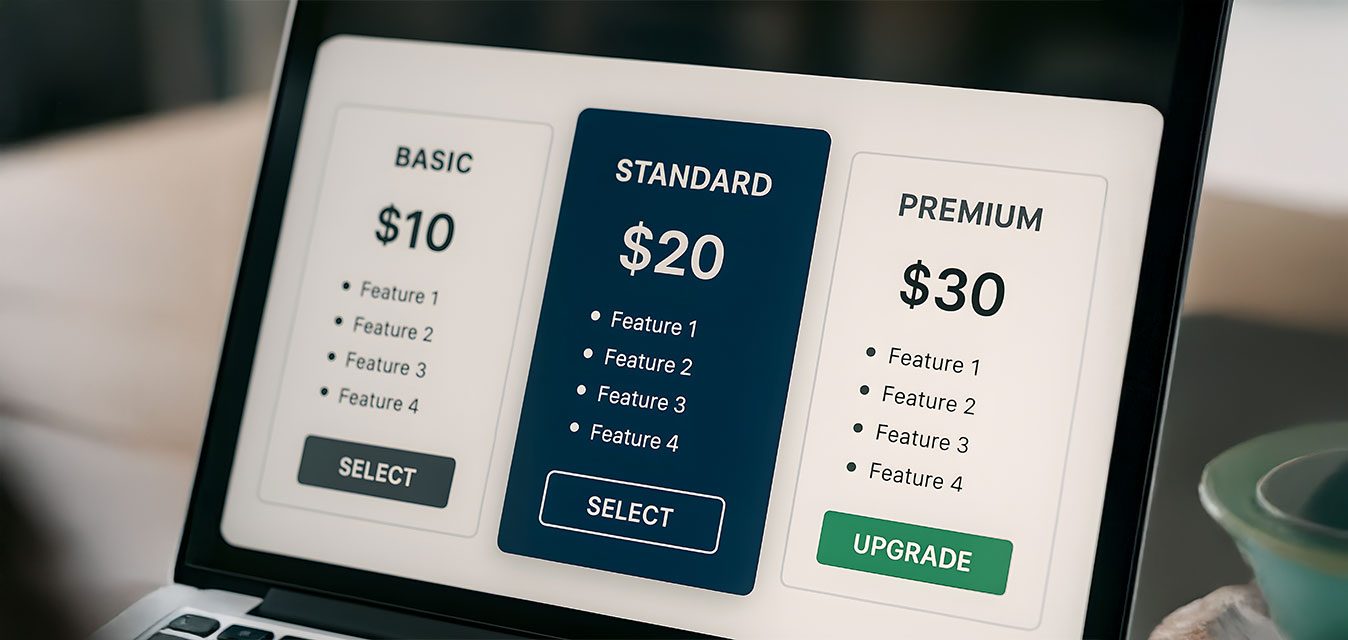
Typical affordable website options
- Starter (3–5 pages): home, services, about, contact, privacy.
- Service-focused (5–8 pages): adds 2–4 service pages + FAQ blocks.
- Local SEO build: adds city/service landing pages (done the right way).
How to avoid “cheap site” traps
- Don’t ship uncompressed images.
- Avoid themes that load 40+ scripts.
- Make sure you own your domain + hosting + admin access.
- Get a plan for updates + backups.
If you want a clean, fast build that’s priced fairly, start here: Web Design Services or request a quote below.