Advanced Custom Fields (ACF) is one of the most widely used WordPress plugins for a simple reason: it turns a generic CMS into a purpose-built content engine for your specific business. Here's what it does and when you actually need it.
What Is ACF (Advanced Custom Fields)?
WordPress stores content in a standard structure — post title, body, featured image, categories. That works for a basic blog. But when a business needs to display team members, service listings, testimonials, pricing tables, or structured data on the front end, the default fields fall short.
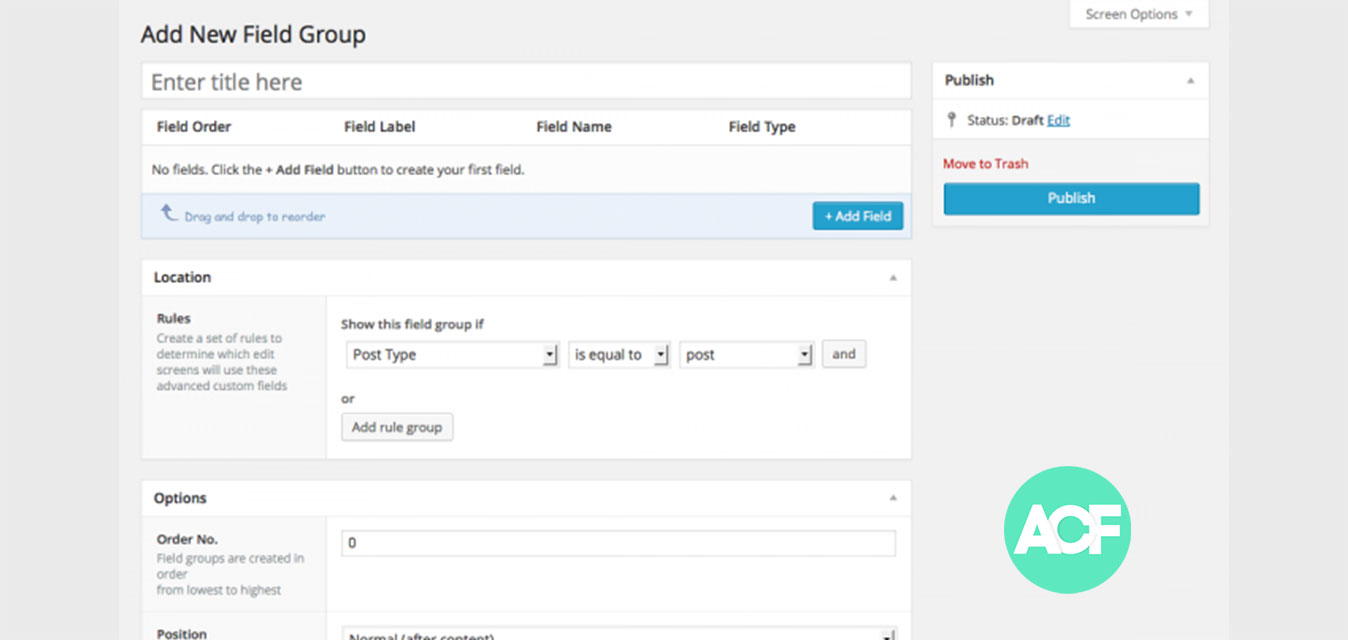
ACF solves this by letting developers add custom fields — text, images, repeaters, relationships, galleries, true/false toggles, and more — to any post type, page, user, or taxonomy. Editors fill in structured fields in the dashboard, and developers control exactly how that data is displayed on the site.
The result: a site where non-technical users can update content safely, without touching code or risking layout breaks.
When Does a Site Actually Need ACF?
ACF is the right tool when your site needs to manage structured, repeatable content beyond what WordPress provides out of the box. Common use cases:
- Service or product listings — each entry has a consistent set of fields: name, description, price, icon, and a CTA link.
- Team member profiles — photo, title, bio, credentials, and a link to a full profile page.
- Testimonials — author name, rating, review text, source, and date, all managed from one place.
- Location pages — structured fields for address, hours, service area, and map embed per location.
- Event listings — date, time, venue, registration link, and status fields for recurring events.
If you're using a page builder to hardcode the same layout over and over for structured data, ACF is probably the better solution.
How to Install ACF on WordPress
Installing ACF takes under five minutes:
- Log in to your WordPress dashboard and go to Plugins → Add New.
- Search for Advanced Custom Fields.
- Click Install Now, then Activate.
- A new Custom Fields menu item will appear in your left sidebar.
Alternatively, download the plugin directly from wordpress.org, upload the ZIP via Plugins → Add New → Upload Plugin, and activate it.
ACF Free vs. ACF Pro
The free version handles most field types: text, textarea, number, email, URL, password, image, file, select, checkbox, radio, date picker, color picker, and more. That covers the majority of use cases.
ACF Pro adds the features that matter most for complex builds:
- Repeater Field — add unlimited rows of grouped fields (e.g., a timeline, a team list, a feature grid).
- Flexible Content Field — build a modular page layout where editors choose from a set of pre-built content blocks in any order.
- Gallery Field — manage multi-image galleries with captions and ordering.
- Clone Field — reuse field groups across multiple post types without duplicating configuration.
For most business websites, ACF Pro is worth the annual license. The Repeater and Flexible Content fields alone eliminate most of the situations where a page builder would otherwise be used.
How ACF Data Is Displayed on the Front End
ACF outputs data through its own PHP functions in your theme templates. The most common:
<?php the_field('field_name'); ?>or to use the value in logic:
<?php $value = get_field('field_name'); ?>For Repeater fields, you loop through rows:
<?php if( have_rows('team_members') ): while( have_rows('team_members') ): the_row(); ?>
  <h3><?php the_sub_field('name'); ?></h3>
  <p><?php the_sub_field('title'); ?></p>
<?php endwhile; endif; ?>
This keeps template logic clean and separates content management from display code — which makes long-term maintenance significantly easier.
Conclusion
ACF is the standard approach for structured content in custom WordPress builds. It gives editors a clean interface for managing complex data, and gives developers precise control over how that data is output. If you're planning a custom WordPress site and want layouts that editors can maintain without breaking the design, ACF is almost certainly part of the right solution. See how MJM Designz uses ACF in WordPress builds →